 United States
Vape Not Charging? Here's What You Should Check First
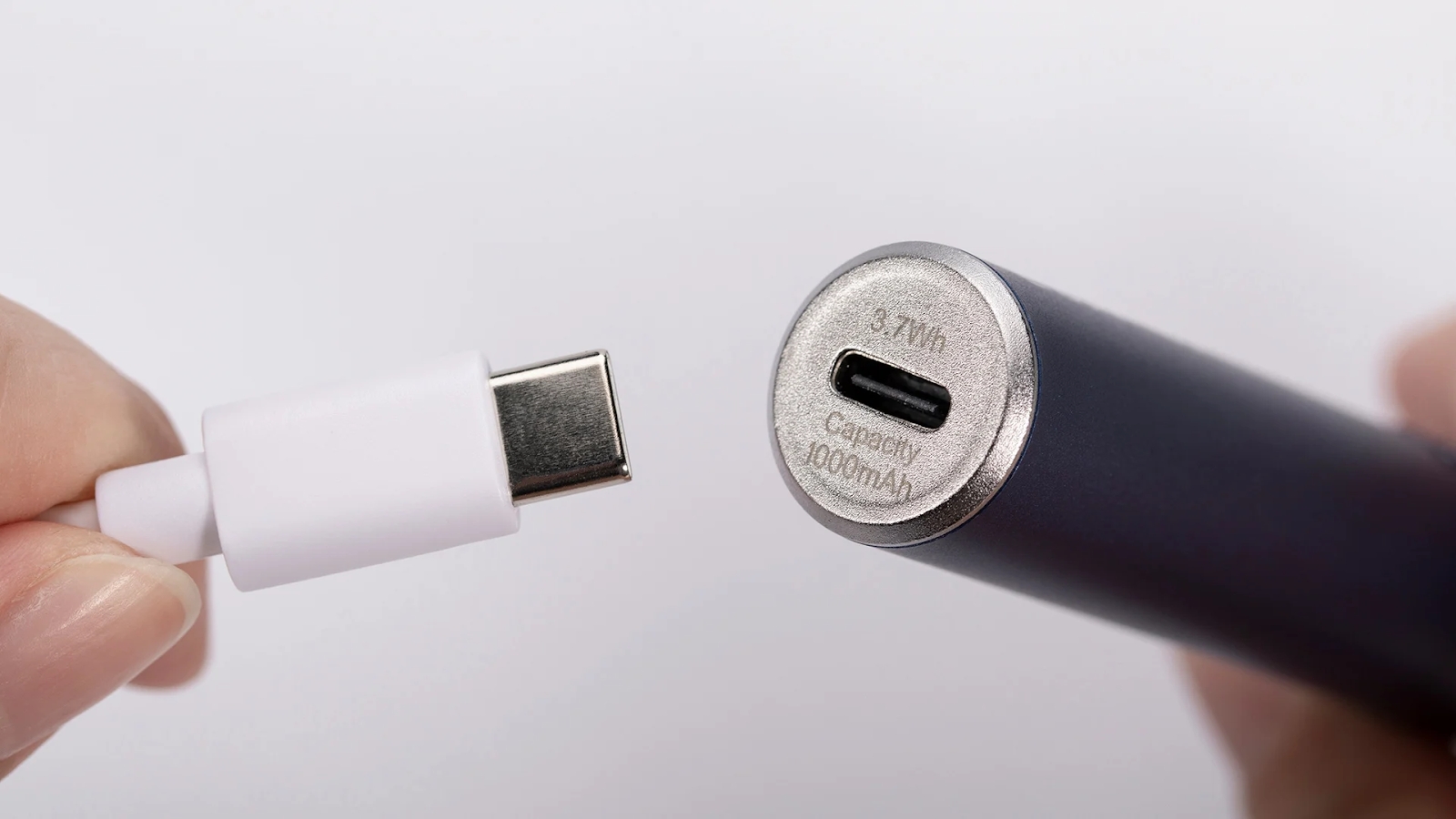
Frustrated because your vape won’t charge—right when you need it most? Whether you're unwinding after a long day or sneaking in a midday puff, a dead device can ruin the moment fast. But before you panic or toss your vape in frustration, there’s good news: most charging issues are fixable with a few simple checks.
In this guide, you'll learn:
-
The top reasons your vape might not be charging
-
Step-by-step fixes you can try at home
-
When to seek professional help
Let’s troubleshoot and get your vape back in action.
Quick Navigation
- Common Reasons Why Your Vape Isn’t Charging
- The Quickest Fixes to Try First
- Detailed Troubleshooting Steps
- When to Call in the Pros
- Pro Tips to Keep Your Vape Charging Smoothly
- Take Back Control of Your Vape Experience
Common Reasons Why Your Vape Isn’t Charging
Charging failures can stem from minor issues or deeper device problems. Start by understanding the usual suspects:
1. Faulty USB Cable
Sometimes a faulty device, especially from hidden cable damage, is the real reason your vape won’t power up.
2. Dirty Charging Port
Dust, lint, or debris can block the connection between your charger and device. If you keep your vape in a pocket or bag, this is especially likely.
3. Wall Adapter Issues
Not all adapters are safe for vape charging. A mismatched or malfunctioning adapter may deliver the wrong voltage or no power at all.
4. Battery Problems
Over time, rechargeable batteries degrade. If your device suddenly won’t hold a charge, the battery may be worn out or physically damaged.
5. Software or Firmware Glitches
Advanced vapes with screens or chipsets may freeze or bug out, especially if the firmware is outdated.
The Quickest Fixes to Try First
Before diving into deep diagnostics, try these easy wins. They solve most vape charging issues fast:
-
Swap the Cable: Try a new, high-quality USB cable. If your vape charges, the original cable is the issue.
-
Clean the Port: Make sure to clean the port regularly to avoid dust and debris interrupting the charge.
-
Switch Outlets: Plug into a known working wall socket and adapter (avoid computer USB ports).
-
Soft Reset (if applicable): For smart vapes, follow the reset steps in your manual.
Still stuck? Dive into the full troubleshooting below.
Detailed Troubleshooting Steps
1. Check the USB Cable and Adapter
-
Look for frays, bends, or exposed wiring on your cable.
-
Test it with another device (like a phone) to verify it works.
-
Use a wall adapter designed for small electronics, not a fast charger or high-output brick.
2. Clean the Charging Port
-
Shine a flashlight into the port and look for dirt.
-
Gently clean it with a soft brush or burst of compressed air.
-
Never poke with sharp objects—this could damage the connector.
3. Try a Different Power Source
-
Test another power outlet.
-
Switch from a USB hub or PC to a direct wall socket.
-
Try a different wall adapter altogether.
4. Inspect the Battery
-
Remove and examine removable batteries for swelling, leaks, or corrosion.
-
If possible, test the battery in another compatible device.
-
Replace if the battery appears damaged or isn’t holding a charge.
5. Reset or Update the Device
-
Look up your vape model's reset instructions—this often clears software bugs.
-
Visit the manufacturer’s site to check for firmware updates and follow installation steps carefully.
When to Call in the Pros
Some problems are beyond a DIY fix. Get professional help if:
You Notice Battery Damage
Swollen or leaking batteries are dangerous. Stop using the device immediately and contact the manufacturer or a vape shop.
You've Tried Everything and It Still Won’t Charge
If resetting, cleaning, and cable swaps haven’t helped, your vape may have internal hardware issues. Let a pro take a look.
Keep Your Vape Charging Smoothly
To avoid future frustration:
-
Clean your charging port weekly.
-
Use the original cable and charger, or one recommended by the manufacturer.
-
Proper storage prevents overheating and keeps both your juice and device in peak condition
-
Don’t overcharge—unplug once it’s full.
Take Back Control of Your Vape Experience
Don’t let a charging issue ruin your vibe. With these simple troubleshooting steps, you’re well-equipped to fix the problem and keep your vape running smoothly.
Still stuck? Have a tip that worked for you?
Drop a comment below—your experience could help other vapers!
And if you found this guide helpful...
Subscribe to our newsletter for more expert vaping tips, troubleshooting guides, and product reviews—delivered straight to your inbox.